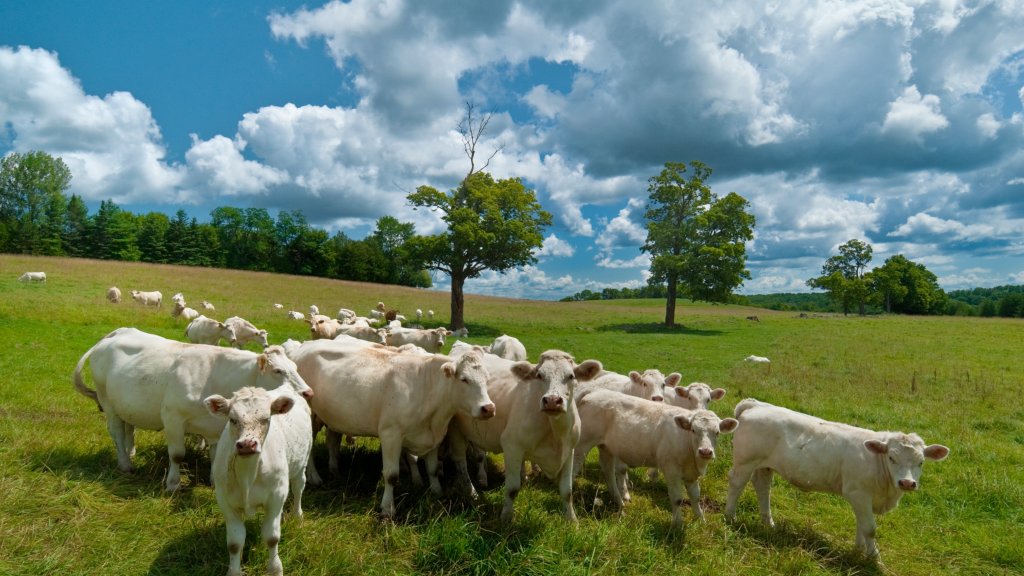
Charolais Cattle, Orillia, Ontario, Canada
Sign in to add this photo to your favorites and desktop wallpaper rotation.
Charolais cattle are a breed of beef cattle known for their white coat and muscular build. They originated in France and are known for their fast growth rate and efficient feed conversion. Charolais cattle are popular among farmers for their ability to produce high-quality meat. Orillia is a city in Ontario, Canada, located approximately 135 kilometers north of Toronto. The area around Orillia is known for its agricultural industry, with many farms raising livestock such as Charolais cattle. The city hosts the Orillia Fall Fair, which showcases the region's agricultural heritage and features livestock competitions, including those for Charolais cattle. Charolais cattle are well-suited to the climate and terrain of Ontario, making them a popular choice for farmers in the region. They are known for their adaptability and hardiness, making them a reliable choice for livestock production. The breed is also valued for its high fertility rates and ease of calving, making it a low-maintenance option for farmers. Overall, Charolais cattle are a popular choice for farmers in Orillia, Ontario, and Canada as a whole, due to their high meat quality, fast growth rate, and adaptability to various environmental conditions.