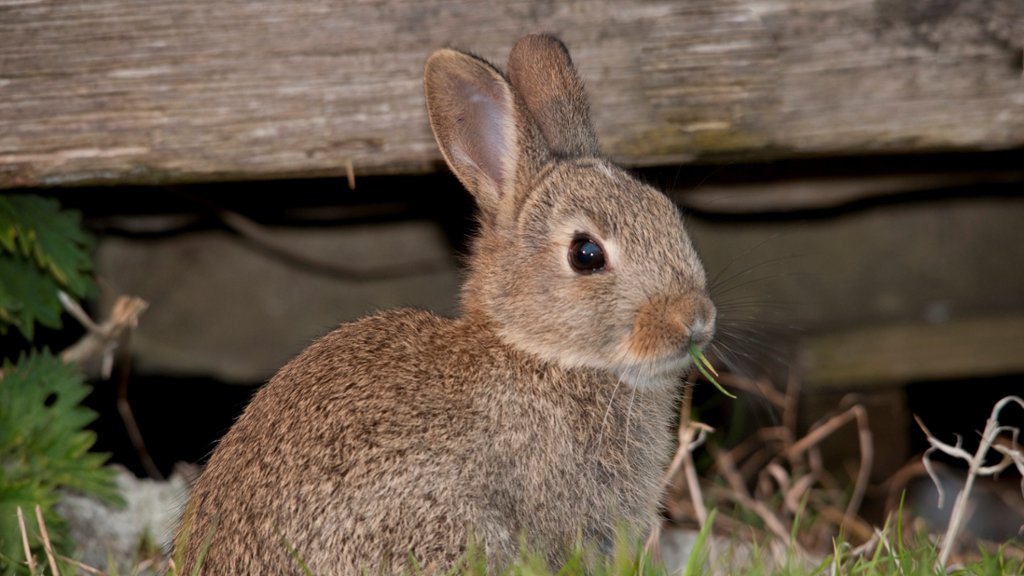
European Rabbit, Lancashire, England
Sign in to add this photo to your favorites and desktop wallpaper rotation.
The European Rabbit (Oryctolagus cuniculus) is a species of rabbit native to southwestern Europe, including Spain, Portugal, and parts of France. However, they have been introduced to many other parts of the world, including Lancashire, England. In Lancashire, the European Rabbit can be found in a variety of habitats, including grasslands, woodlands, and farmlands. They are known for their ability to dig complex burrow systems, which they use for shelter and protection from predators. European Rabbits in Lancashire are primarily herbivores, feeding on grasses, clover, and other vegetation. They are an important part of the local ecosystem, providing food for predators such as foxes and birds of prey. However, European Rabbits in Lancashire are also considered pests by some farmers and landowners, as they can cause damage to crops and gardens. In recent years, efforts have been made to control rabbit populations in the area through the use of fencing and other management techniques. Overall, the European Rabbit is a common and widespread species in Lancashire, England, and plays an important role in the local ecosystem.