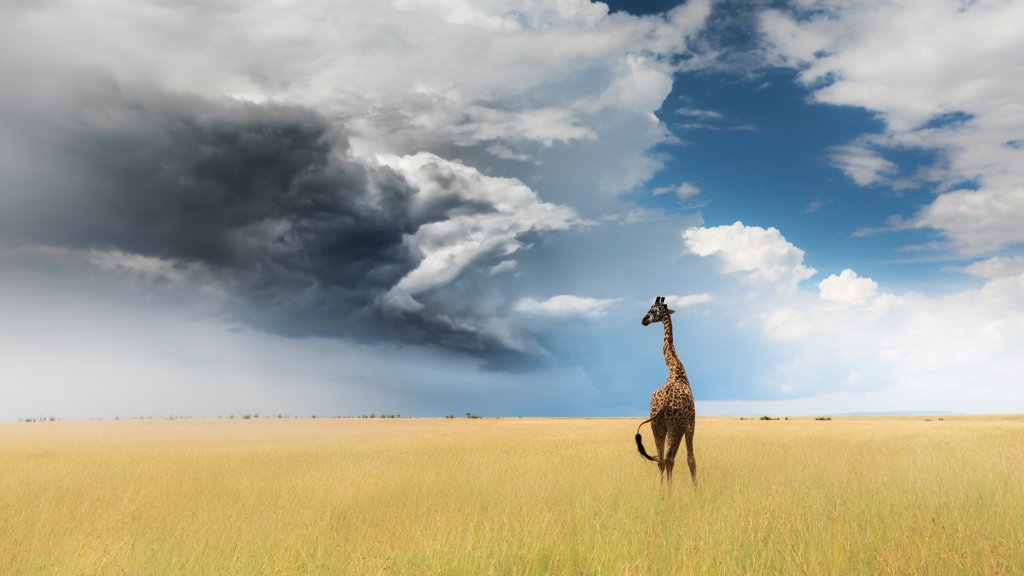
Giraffe, Masai Mara Game Reserve, Kenya
Sign in to add this photo to your favorites and desktop wallpaper rotation.
The Masai Mara Game Reserve in Kenya is one of the most famous and popular wildlife reserves in Africa. It is known for its abundant wildlife and stunning landscapes, including the iconic Giraffe. The Giraffe is one of the most recognizable and beloved animals in the Masai Mara. They are known for their long necks, distinctive spotted coats, and graceful movements. Giraffes are herbivores, feeding on leaves and buds from tall trees, using their long necks to reach the highest branches. In the Masai Mara, Giraffes can often be seen roaming the savannah in small groups or alone, gracefully moving between trees and bushes in search of food. They are often seen interacting with other animals, such as zebras and wildebeests, and are a common sight on game drives and safaris in the reserve. Giraffes are a symbol of the beauty and diversity of the African wilderness, and seeing them in their natural habitat in the Masai Mara is a truly unforgettable experience. Their presence adds to the magical and awe-inspiring atmosphere of the reserve, making it a must-visit destination for wildlife enthusiasts and nature lovers.