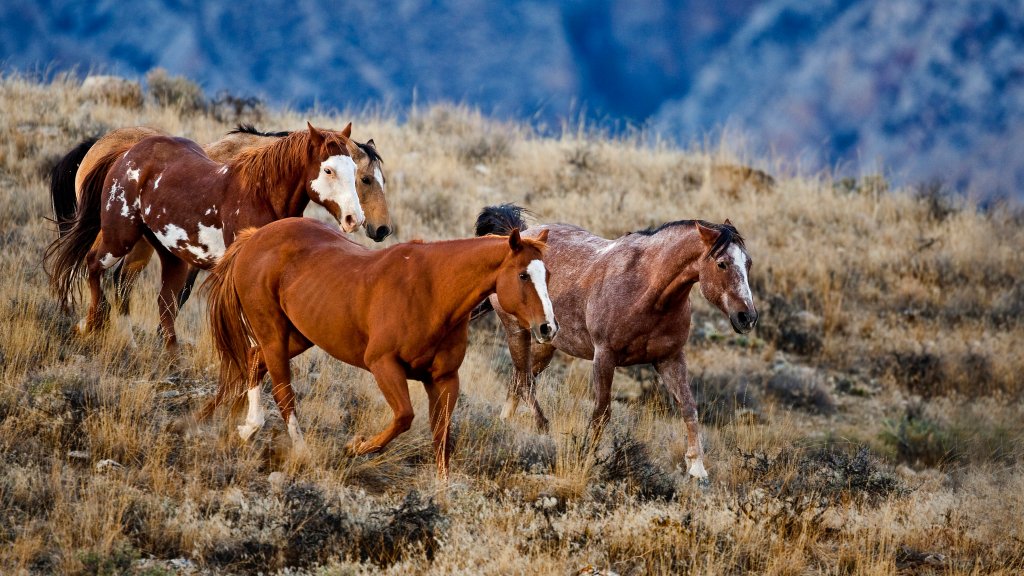
Roaming Horses, Big Horn, Montana
Sign in to add this photo to your favorites and desktop wallpaper rotation.
Big Horn, Montana, is a small unincorporated community located in Big Horn County in the south-central part of the state. It is situated near the Bighorn River, which is a significant geographical feature of the area. The community is part of a region known for its natural beauty, with expansive landscapes, rolling hills, and proximity to the Bighorn Mountains. The area around Big Horn is primarily rural, with agriculture and ranching being the main economic activities. The community itself is small, with limited amenities and services, but it offers a peaceful and quiet lifestyle for its residents. The region is also known for outdoor recreational opportunities, including fishing, hunting, hiking, and camping, particularly in the nearby Bighorn National Forest. Big Horn County, where the community is located, has a rich cultural history, including significant Native American heritage. The Crow Indian Reservation occupies a large portion of the county, and the area is home to many members of the Crow Tribe. Overall, Big Horn, Montana, is characterized by its rural charm, natural beauty, and cultural significance, making it an interesting place for those who appreciate the tranquility of the countryside and the history of the American West.