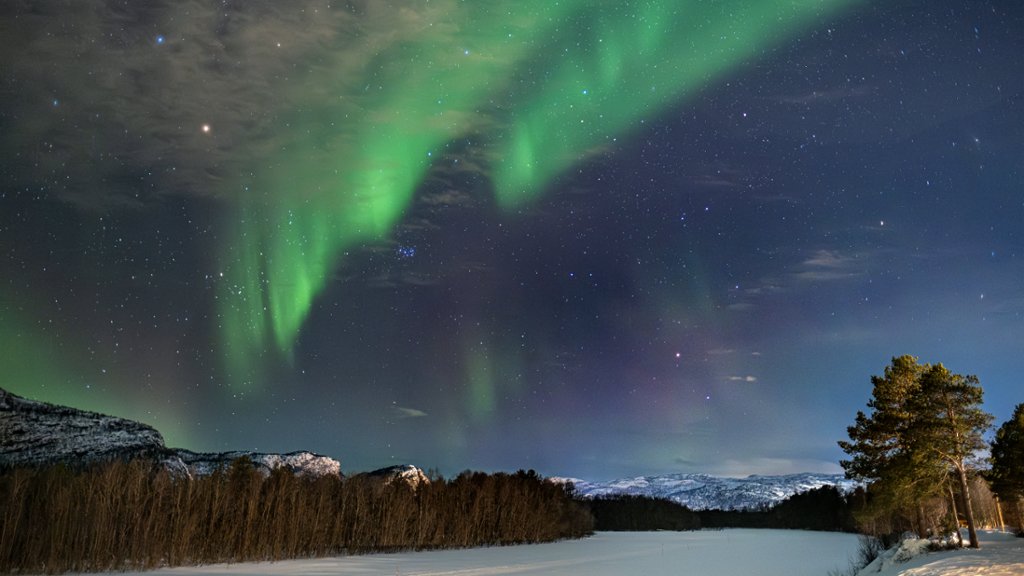
Aurora Borealis Over the Alta River, Norway
Sign in to add this photo to your favorites and desktop wallpaper rotation.
The Aurora Borealis, also known as the Northern Lights, is a natural light display that occurs in the Earth's polar regions. The lights are caused by the collision of charged particles from the sun with atoms in the Earth's atmosphere, creating beautiful and colorful displays in the night sky. The Alta River is located in Northern Norway, near the town of Alta. The region is known for its clear skies and minimal light pollution, making it an ideal location for viewing the Aurora Borealis. Watching the Aurora Borealis over the Alta River is a truly breathtaking experience. The lights dance and shimmer in the sky, casting a mesmerizing glow over the surrounding landscape. The combination of the natural beauty of the river and the ethereal display of lights creates a magical and unforgettable scene. Visitors to the Alta River can enjoy guided tours to view the Northern Lights, as well as other outdoor activities such as dog sledding, snowmobiling, and ice fishing. The region is also home to the Alta Canyon, one of the largest canyons in Europe, offering stunning views and opportunities for hiking and exploring. Overall, witnessing the Aurora Borealis over the Alta River is a once-in-a-lifetime experience that will leave visitors in awe of the natural wonders of the world.