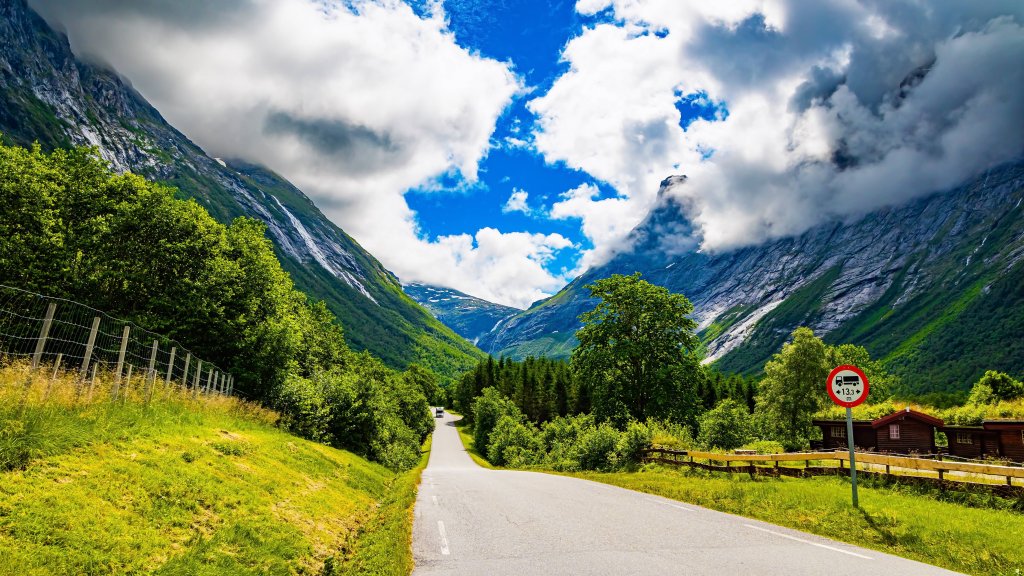
Scenic Road, Norway
Sign in to add this photo to your favorites and desktop wallpaper rotation.
Norway is a Scandinavian country located in Northern Europe, known for its stunning natural landscapes, including fjords, mountains, and coastal beauty. It shares borders with Sweden, Finland, and Russia, and has extensive coastlines along the North Atlantic Ocean and the Barents Sea. The capital city of Norway is Oslo, which is also the largest city and serves as the economic and governmental center. Other major cities include Bergen, Trondheim, and Stavanger. Norway is a constitutional monarchy with a parliamentary system, and the current monarch is King Harald V. Norway is renowned for its high standard of living, robust welfare system, and strong economy, which is largely driven by natural resources such as oil and gas, as well as fisheries and hydropower. The country is not a member of the European Union but is part of the European Economic Area, allowing it to participate in the single market. The official language is Norwegian, and the country has two written forms of the language: Bokmål and Nynorsk. Sami, the language of the indigenous Sami people, is also recognized as an official language in certain regions. Norwegian culture is rich with traditions in music, art, and literature, with famous figures such as playwright Henrik Ibsen and painter Edvard Munch. The country is also known for its outdoor activities, including skiing, hiking, and fishing, which are popular pastimes among Norwegians. Norway places a strong emphasis on environmental sustainability and conservation, and it consistently ranks high in global indices for quality of life, education, and human development. The country is also known for its progressive social policies and commitment to gender equality.