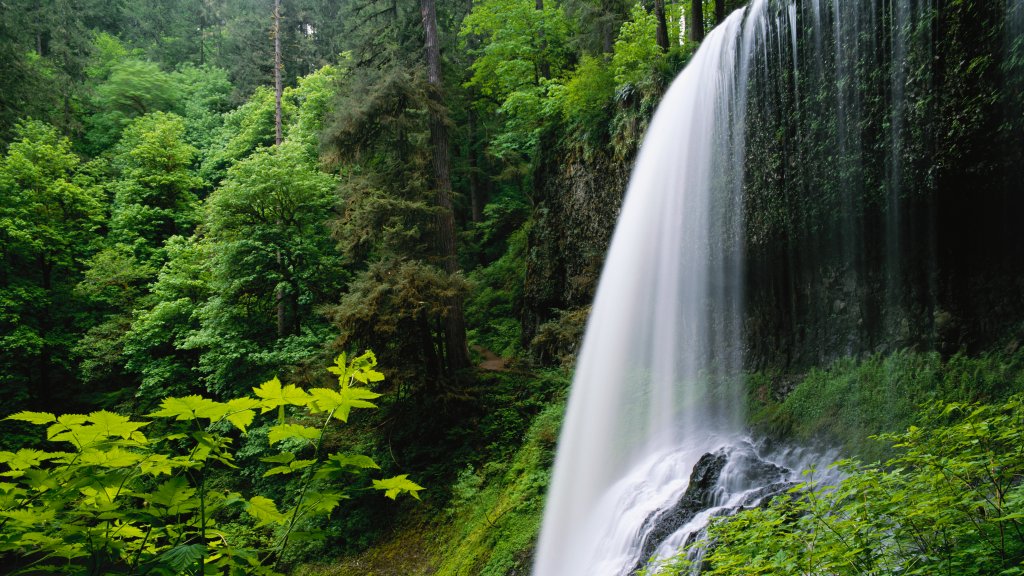
Middle North Falls, Silver Falls State Park, Oregon,
Sign in to add this photo to your favorites and desktop wallpaper rotation.
Middle North Falls is one of the picturesque waterfalls located within Silver Falls State Park in Oregon, USA. The park is renowned for its scenic beauty and is home to several waterfalls, making it a popular destination for nature enthusiasts and hikers. Middle North Falls is part of the Trail of Ten Falls, a famous hiking loop that allows visitors to experience multiple waterfalls in a single trek. Middle North Falls stands at approximately 106 feet (32 meters) tall and is known for its impressive curtain of water that cascades over a basalt cliff. One of the unique features of this waterfall is the trail that allows visitors to walk behind the falls, offering a distinctive perspective and an immersive experience with the natural surroundings. The area around Middle North Falls is lush with vegetation, including ferns and moss-covered rocks, contributing to the enchanting atmosphere of the park. The trail to Middle North Falls is well-maintained, making it accessible for most hikers, though it does include some elevation changes and can be slippery when wet. Silver Falls State Park, where Middle North Falls is located, is the largest state park in Oregon and offers a variety of recreational activities, including hiking, picnicking, and wildlife viewing. The park's diverse ecosystems and stunning landscapes make it a cherished destination for both locals and visitors.