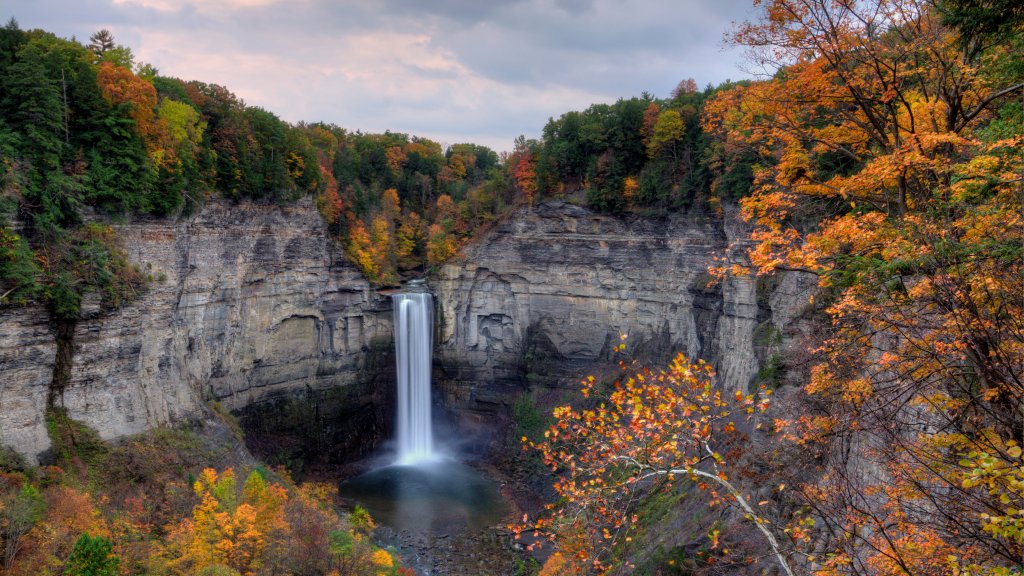
Taughannock Falls, Taughannock Falls State Park, NY
Sign in to add this photo to your favorites and desktop wallpaper rotation.
Taughannock Falls is a stunning waterfall located in Taughannock Falls State Park in the Finger Lakes region of New York State. The waterfall is one of the tallest single-drop waterfalls east of the Rocky Mountains, with a drop of 215 feet (66 meters). It is even taller than the famous Niagara Falls, although not as wide. Taughannock Falls State Park offers a variety of recreational activities and scenic views. The park covers approximately 750 acres and features hiking trails, picnic areas, and a beach on Cayuga Lake. The Gorge Trail is a popular path that leads visitors to the base of the falls, providing a breathtaking view of the waterfall and the surrounding gorge. The Rim Trail offers a different perspective, allowing visitors to see the falls from above. In addition to hiking, the park offers opportunities for swimming, fishing, and boating on Cayuga Lake. During the winter months, the park is also open for cross-country skiing and ice skating. The park is a popular destination year-round, attracting visitors with its natural beauty and outdoor activities. Taughannock Falls State Park is also known for its rich history and diverse wildlife. The area around the falls has been inhabited for thousands of years, with evidence of Native American presence. Today, the park is home to various species of birds and other wildlife, making it a great spot for birdwatching and nature observation. Overall, Taughannock Falls State Park is a must-visit destination for nature lovers and outdoor enthusiasts, offering spectacular views and a range of activities for visitors of all ages.